To create my game I used Roblox Studio which is a free game engine and development environment used to create “experiences” for the Roblox platform. Roblox Studio runs the Roblox Engine which uses C++ for features such as physics simulations, rendering, networking, memory management, audio systems, and core engine loops. Roblox Engine also uses Luau for game scripting which is Roblox’s optimized version of Lua, this handles game logic, UI updates, player interactions, and events(Touched, Clicked, RemoteEvents).
1. What to Develop
When first deciding what game I should make I thought about what game I would like to play as well as what mechanics I thought I could code. I took inspiration from games I have played in the past as well as popular games that I have seen.
2. How to Develop
Once I decided on the type of game I wanted to create I had to decide how to develop my game. To make my game I decided to use the Roblox Engine. Although I had a small amount of experience using the Roblox Engine my biggest obstacle was learning and trying to piece together how to correctly create and input the mechanics into the game as many were more complex then I had originally thought.
3. Development
When I first began development of my game, I quickly realized how many basic mechanics could be extremely difficult. In order to break the development process into more manageable pieces I organized the components into 3 categories which I worked on dynamically to avoid getting stuck or burnt out.
I. User Interface and Map Design
The User Interface(UI) consists of showing the players Health, Hunger, and Thirst meters. The UI is there to help the player visualize how healthy, hungry or thirsty they are. The map design consists of the ground and mountains present in the playable area
II. Modelling/Animation
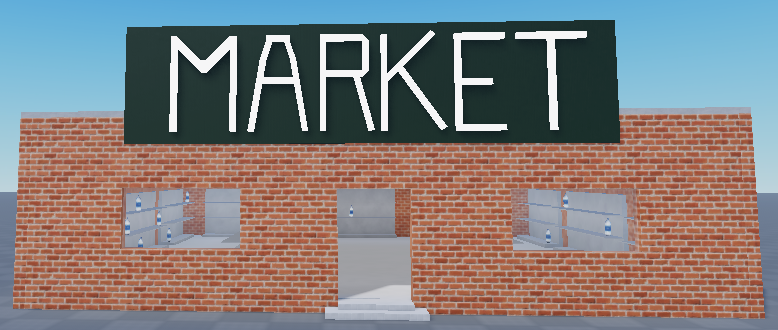
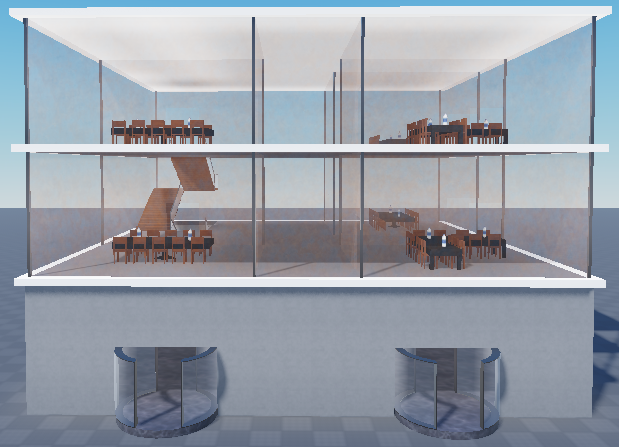
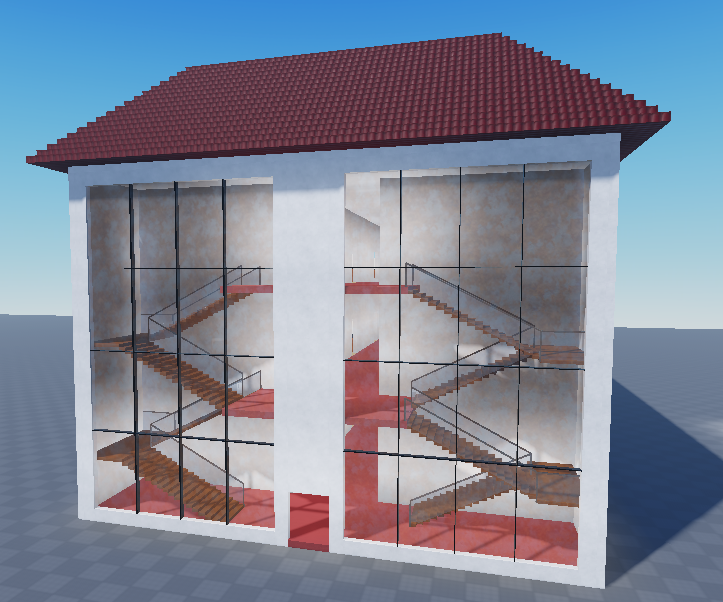
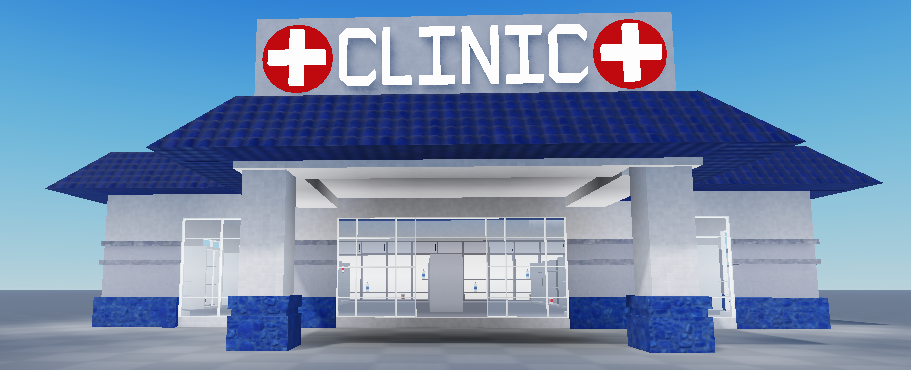
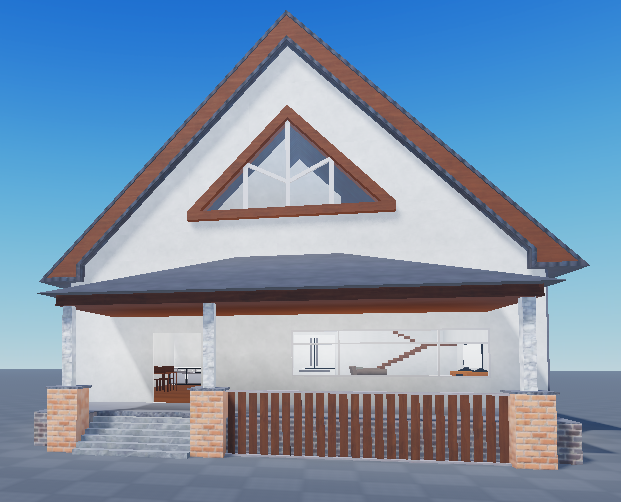
Modelling refers to all the items and building that are visible in the game. All the buildings and weapons were custom made by myself along with the animations for the combat system.
III. Coding
The code allows the player to interact with items, consume items, dictates the amount of damage the player receives and deals, and how much and how often hunger and thirst decreases. The code also dictates how much healing, hunger, or thirst is regained upon consuming items such as bandages, food, and water.
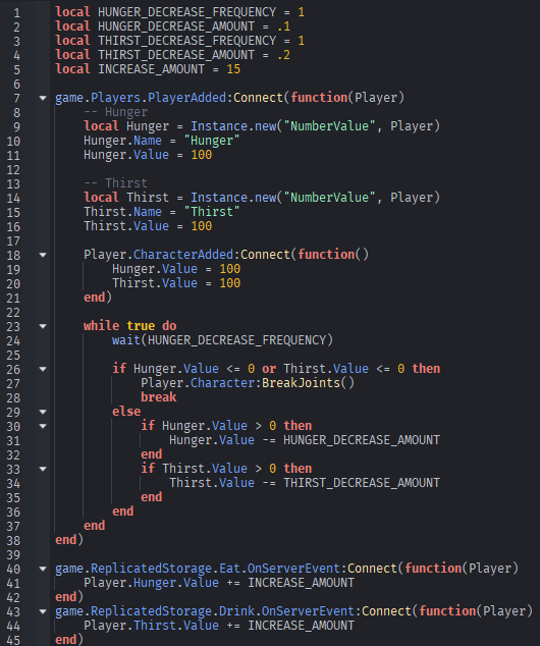
Lines 1-5: Control how frequently and how much players hunger and thirst decrease over time
Lines 7-21: Establishes how much Hunger and Thirst the player has
Lines 26-28: Kills player if either value hits 0
Lines 30-35: Decreases the player Hunger and Thirst if the values are larger than 0
Lines 40-45: Restores Hunger and Thirst if the player eats or drinks
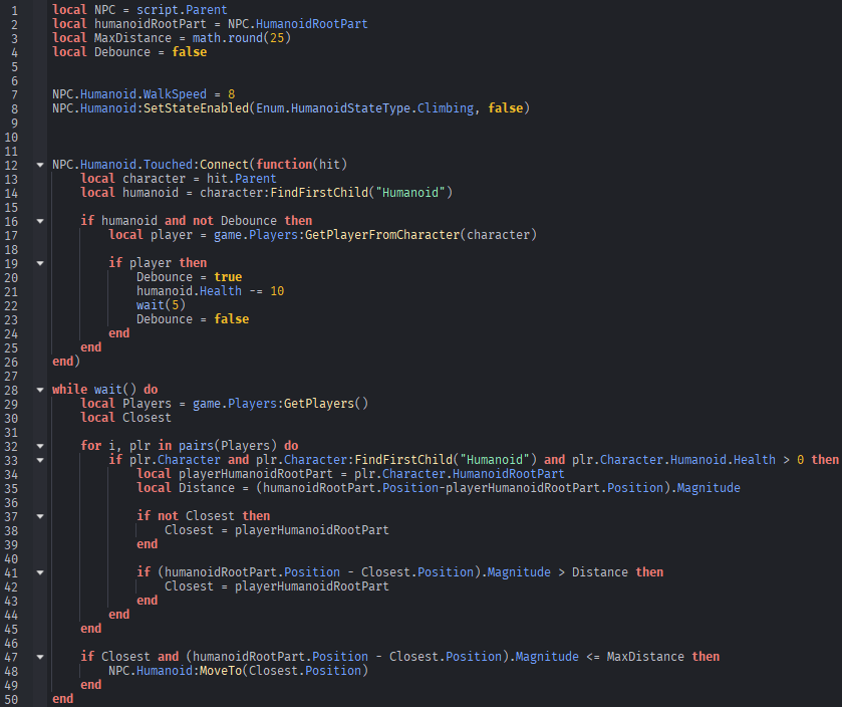
Line 7-8: Limits the speed of the enemies and disables their ability to climb
Lines 19-24: Makes the enemy attack the player for 10 health and then waits 5 seconds before it can attack again
Lines 32-45: Finds the closest player alive near the enemy within 25 studs
Lines 47-49: If the closest player exists within range the enemy will move towards them
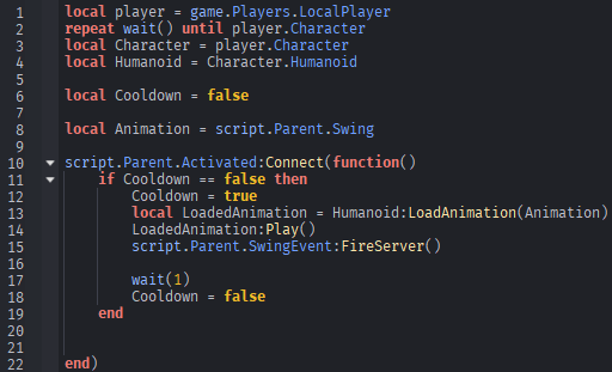
Lines 11-12: Checks if cooldown is active, if not proceeds while setting cooldown to true to prevent continuous activations
Lines 13-14: Loads animations into the player then plays the swing animation
Line 15: Fires the RemoteEvent named “SwingEvent” which triggers damage/hit detection
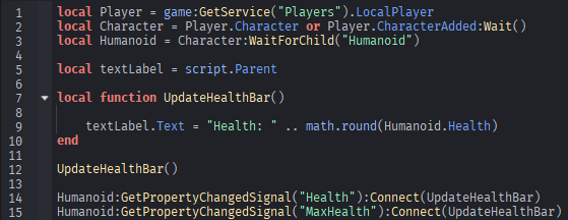
Line 9: Changes the text in the UI to the players current health to the nearest whole number
Lines 14-15: Watches the Health property of the player and creates an event that activates when the health of the player changes. It then tells the server to run the functions which updates the players UI to visually express the players current health
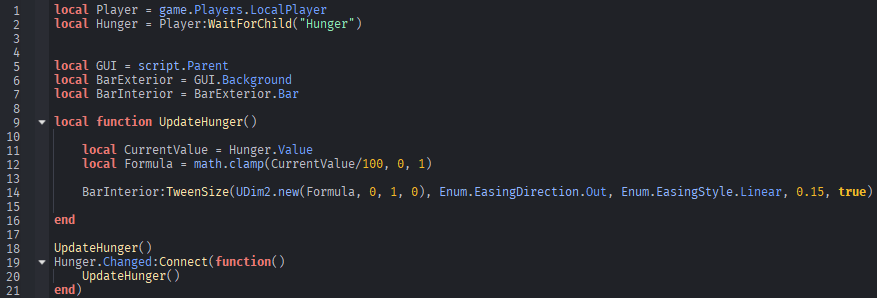
Lines 11-12: Retrieves the current value stored in Hunger.Value from the Hunger/Thirst Script then converts it into a percentage
Line 14: Tells the animation of the UI how to behave: the animation starts quickly and slows down near the end, the animation move at a constant speed, animation duration 0.15 seconds
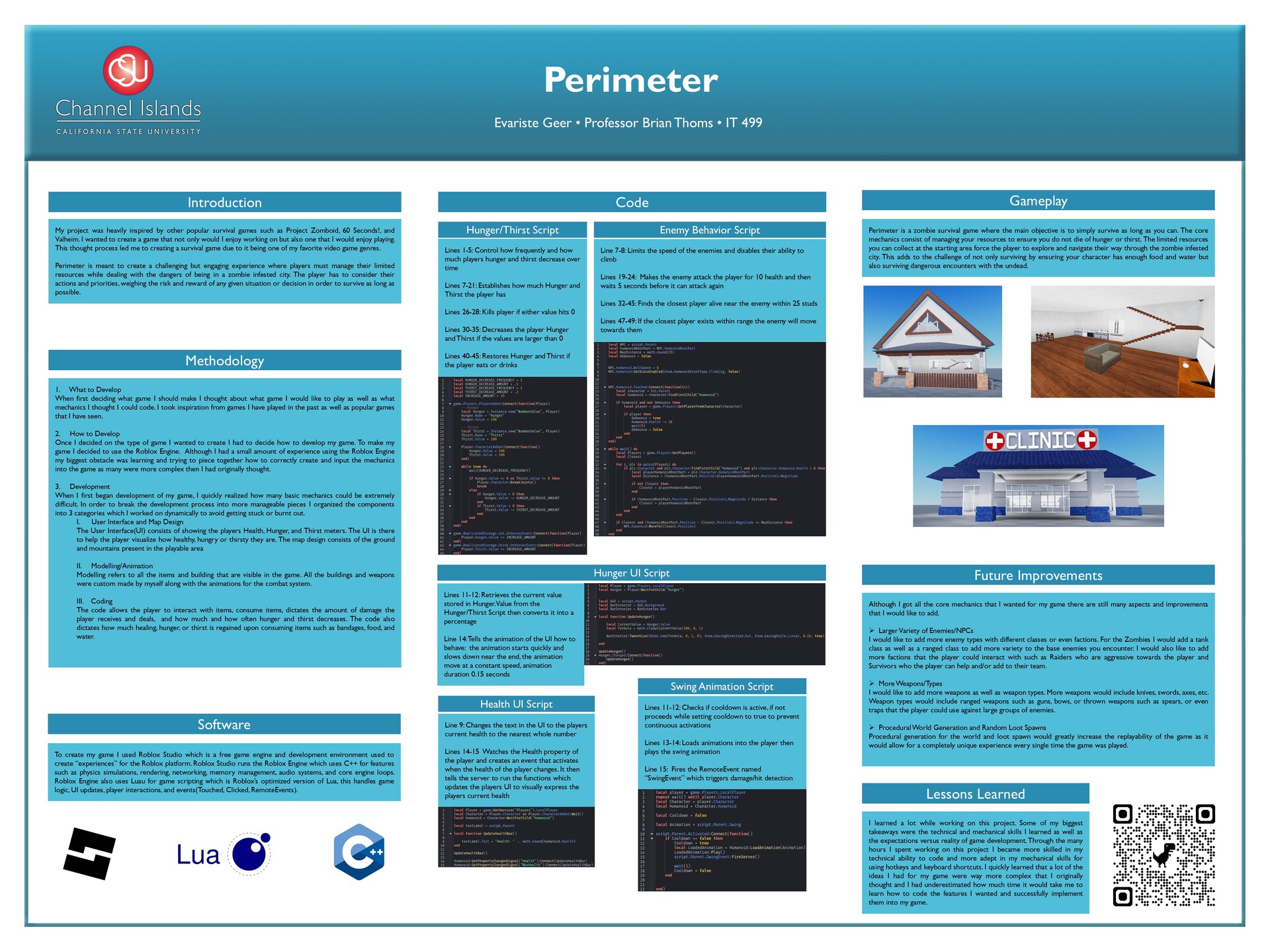
Perimeter is a zombie survival game where the main objective is to simply survive as long as you can. The core mechanics consist of managing your resources to ensure you do not die of hunger or thirst. The limited resources you can collect at the starting area force the player to explore and navigate their way through the zombie infested city. This adds to the challenge of not only surviving by ensuring your character has enough food and water but also surviving dangerous encounters with the undead.